Solutions · HR & People
SharePoint HR web parts for the employee journey
Turn a modern SharePoint HR site into a useful daily workspace: help people find colleagues, plan availability, manage recurring team moments and bring employee self-service into the intranet they already use.
7 ready-made HR web parts
These products are currently available in the store. Each has its own .sppkg package, compatibility details, one-time tenant price and product documentation, so you can deploy only the functions your organisation needs.
HR & People
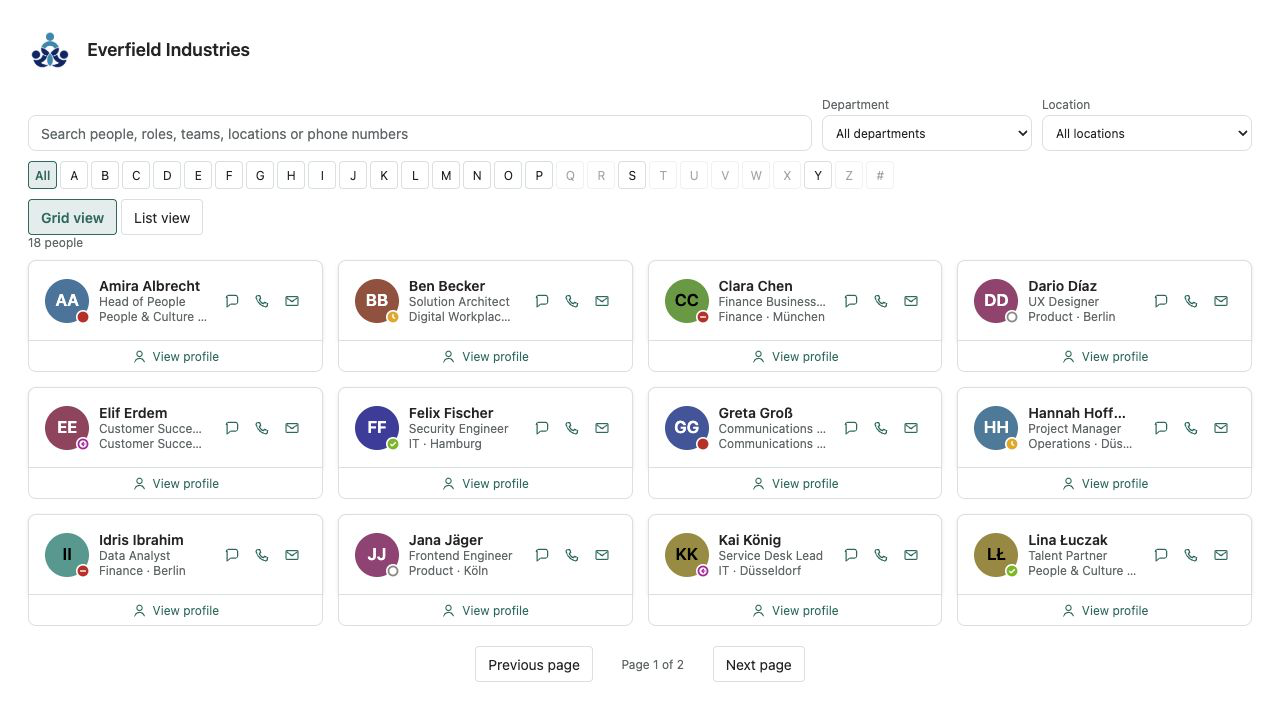
Employee Directory Plus
A fast people directory from Microsoft Entra ID — theme-aware, bilingual and free of external services.
HR & People
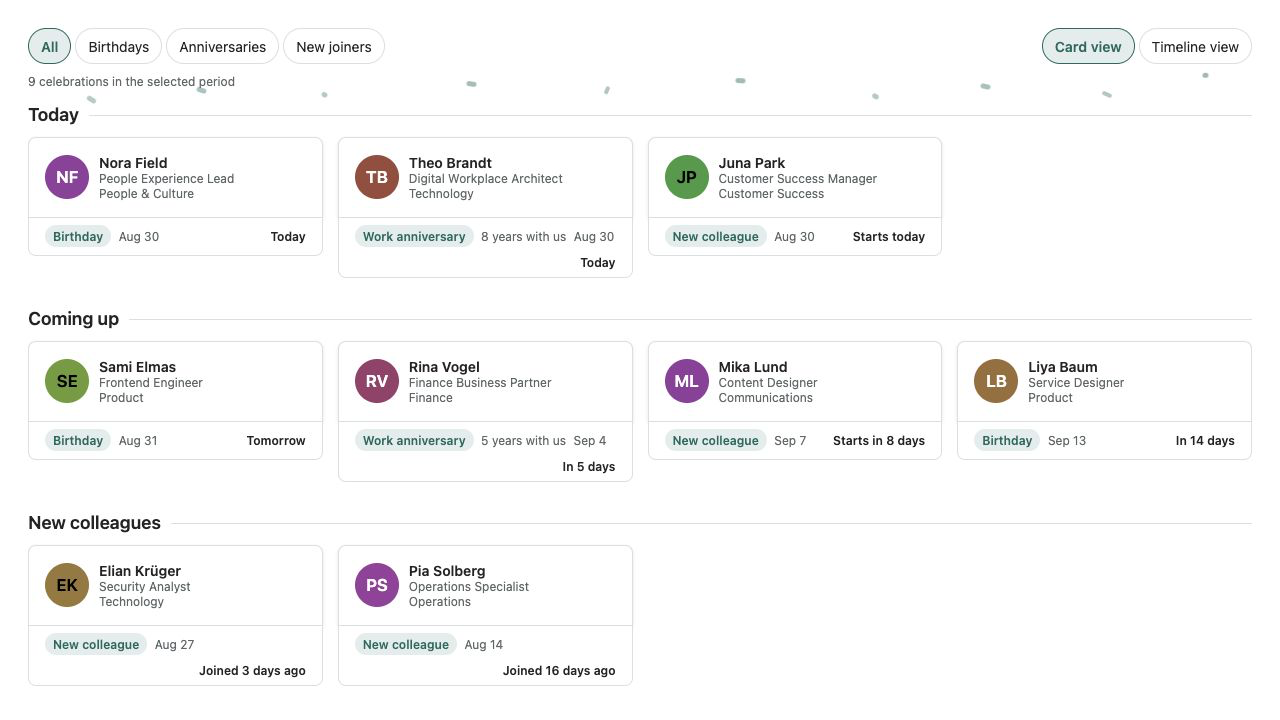
Birthdays & Anniversaries
Birthdays, work anniversaries and new joiners from Microsoft 365 — privacy-aware and without an external service.
HR & People
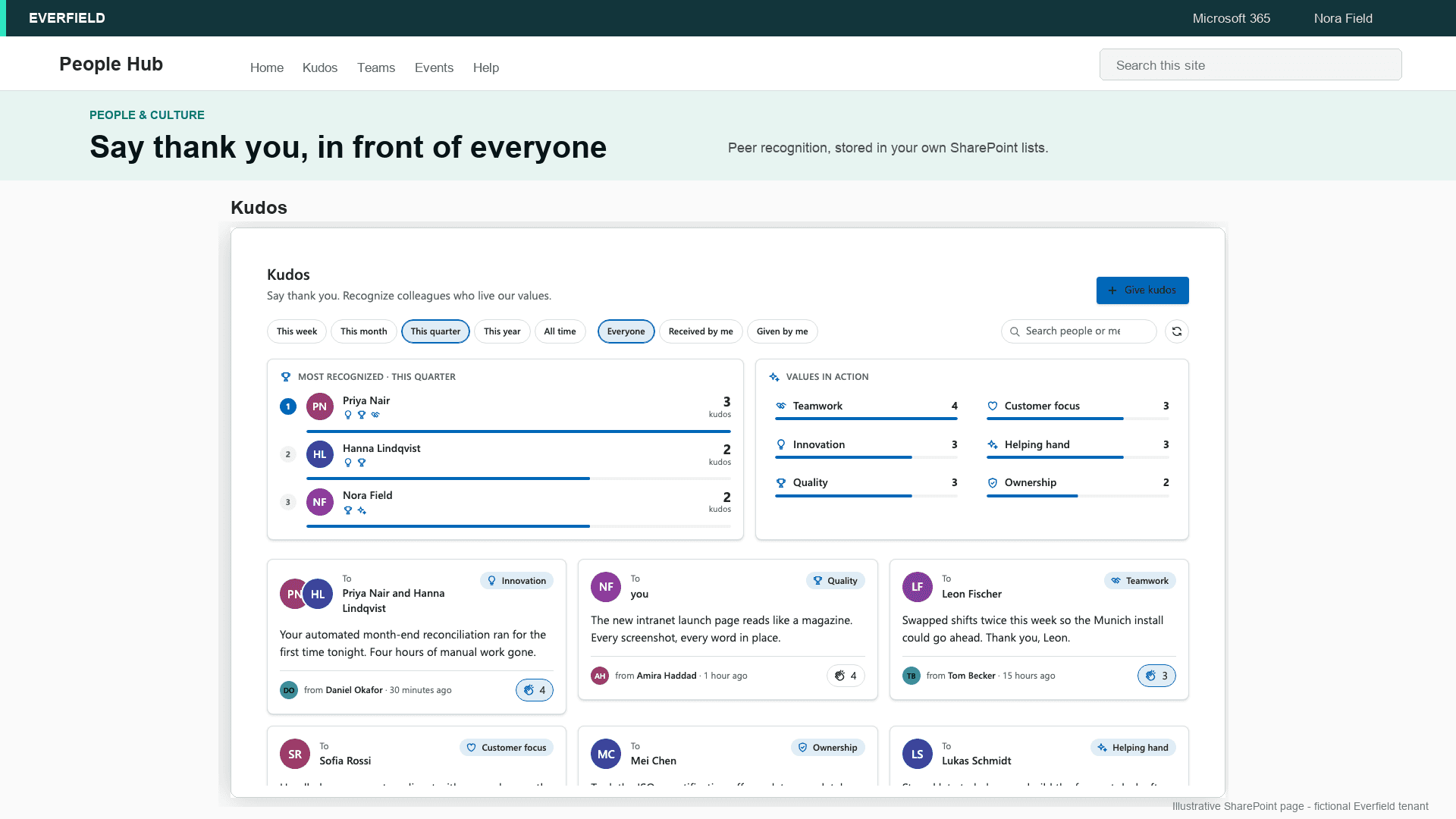
Kudos & Recognition Pro
Employee recognition inside your SharePoint intranet — a kudos wall with company values, applause and highlights, no extra tool and no API permissions.
HR & People
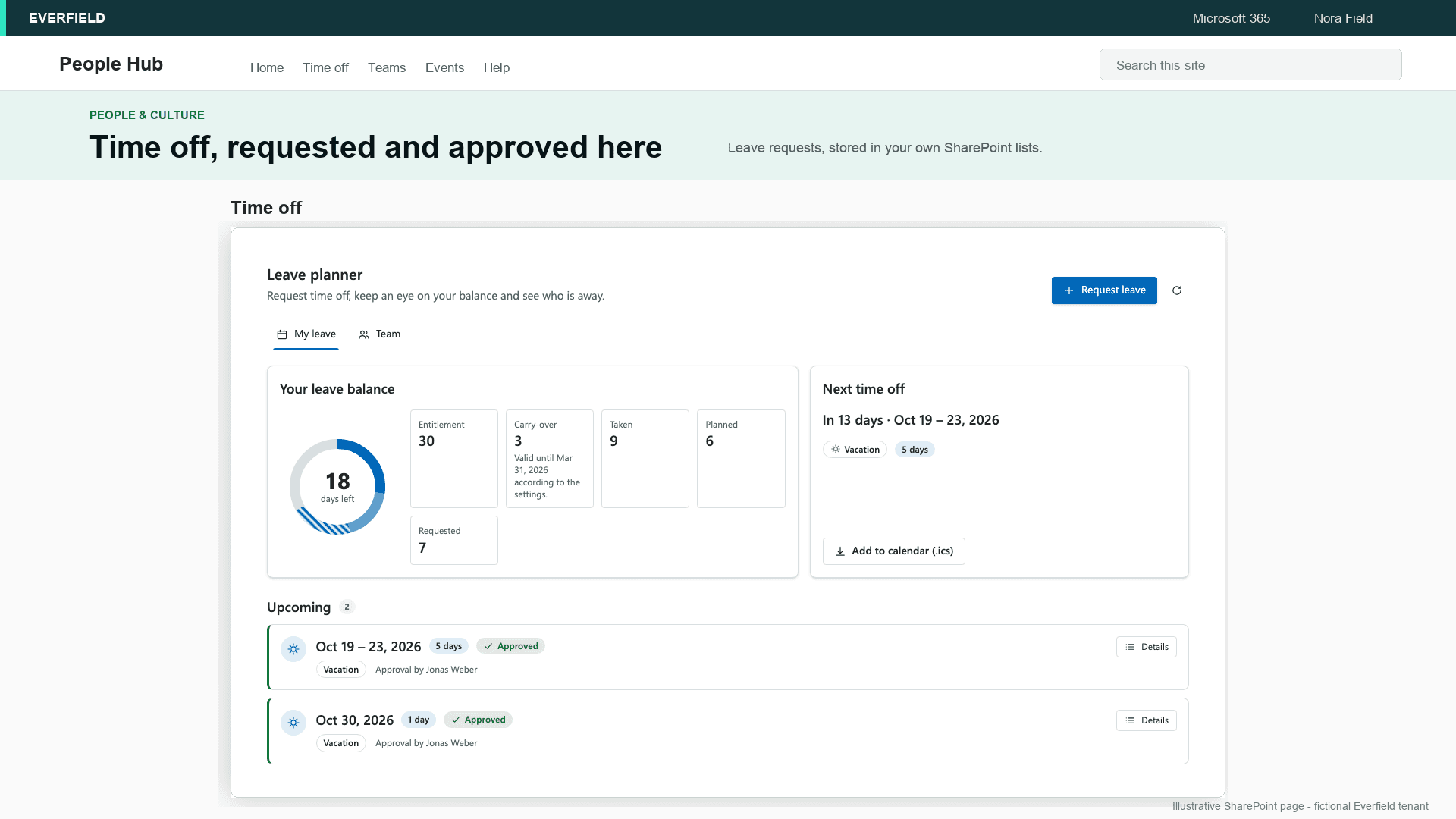
Leave Planner Pro
Leave requests, approval by the Microsoft Entra ID manager, balances and a team absence calendar inside SharePoint — one price per tenant instead of per-user fees, and the data stays in your own lists.
HR & People
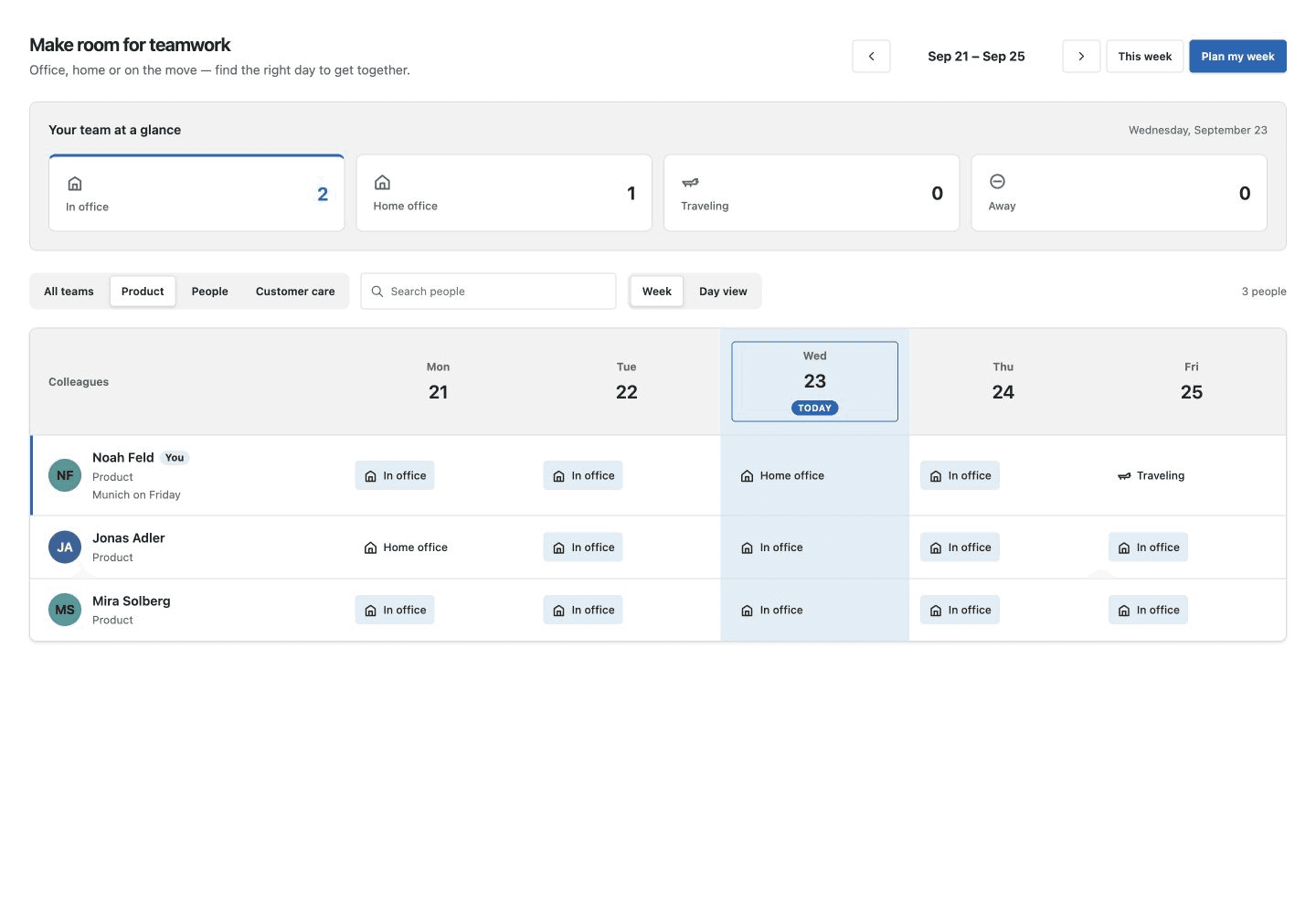
Who's in the Office
Plan office days together: a weekly team board, daily overview and your own work-location plan, right in SharePoint.
HR & People
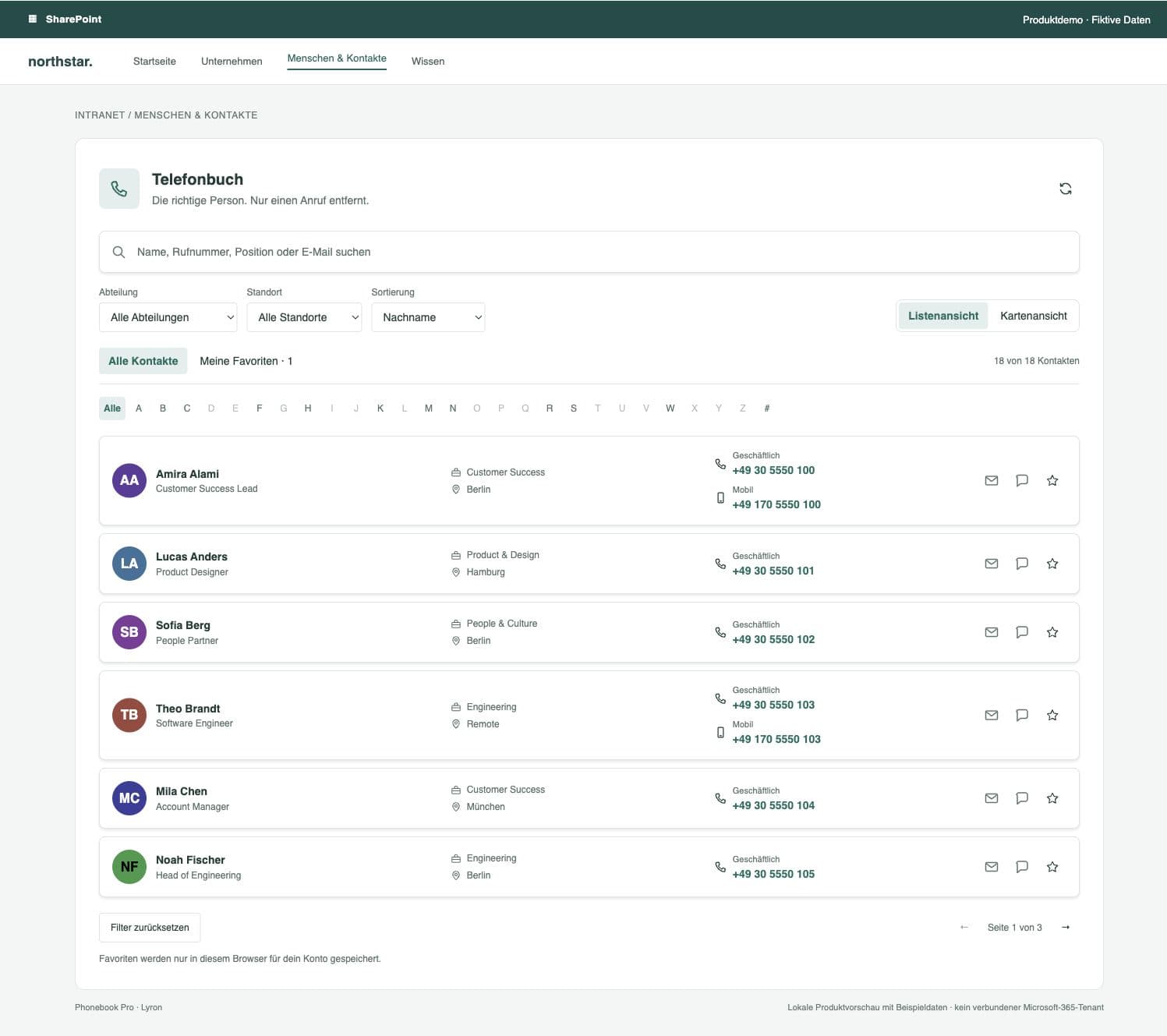
Phonebook Pro
Find a colleague. Make the connection. Phone-number search, personal favorites and contacts to take with you, right in SharePoint.
HR & People
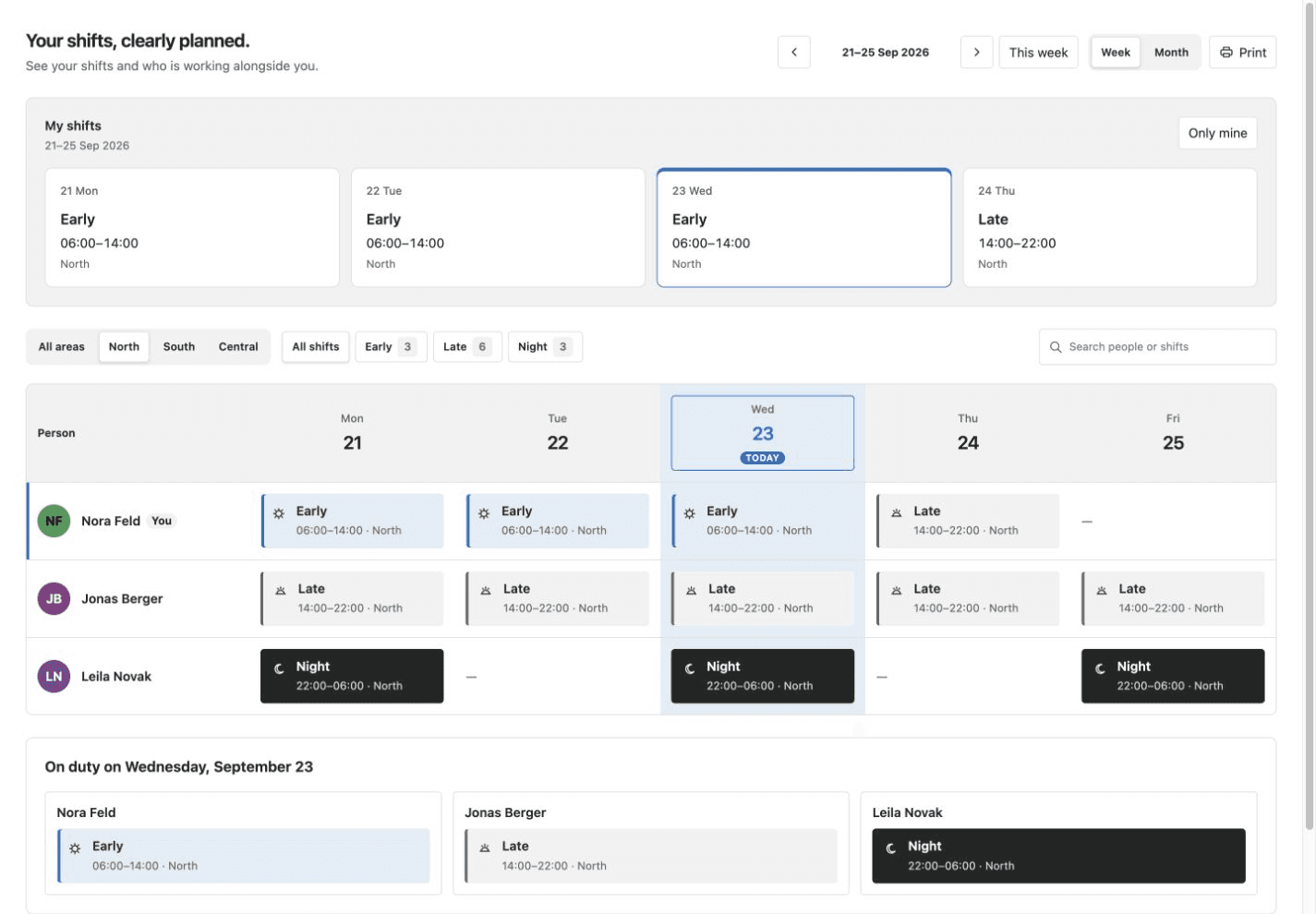
Shift Roster
Clear rosters in your intranet: personal shift cards, week and month grids, and staffing for the selected day.
Choose by the job employees need to complete
Find and contact colleagues
Use a visual employee directory when people need profiles, departments and discovery. Use a focused phone book when the main task is locating a person by name or number and starting contact quickly.
Build connection and recognition
Birthdays, work anniversaries, new joiners and peer recognition make the intranet a place people return to. Keep those moments visible without introducing a separate employee-engagement service.
Plan leave, location and shifts
Leave approval, hybrid-office planning and shift visibility are different workflows. Select the web part that matches the underlying decision instead of forcing all three into one oversized HR system.
Start with the data source and ownership
Decide whether the source is Microsoft Entra ID, a SharePoint list or information maintained by employees. Assign an owner for profile quality, absence rules, work locations or shifts before deployment. A web part improves the experience but does not repair incomplete directory data or undefined HR processes.
Check permissions product by product
SPFxStore web parts run inside your Microsoft 365 tenant and do not send business data to a Lyron application server. Some products use Microsoft Graph; others work with SharePoint lists. Review the exact permissions and data flow on the product page and in the deployment documentation before approval.
Treat privacy as a configuration decision
Employee information still needs a purpose, a suitable audience and an appropriate retention rule. Limit source-list access, expose only necessary fields and involve privacy or employee-representation stakeholders where required. Running in your tenant supports that model but does not replace your organisation's legal assessment.
Roll out in small, testable steps
Deploy one package, test it with representative roles and data, then publish it to the intended sites. Check empty states, missing permissions, mobile layouts and both SharePoint themes. Each product can be updated later by uploading its newer .sppkg version to the app catalog.