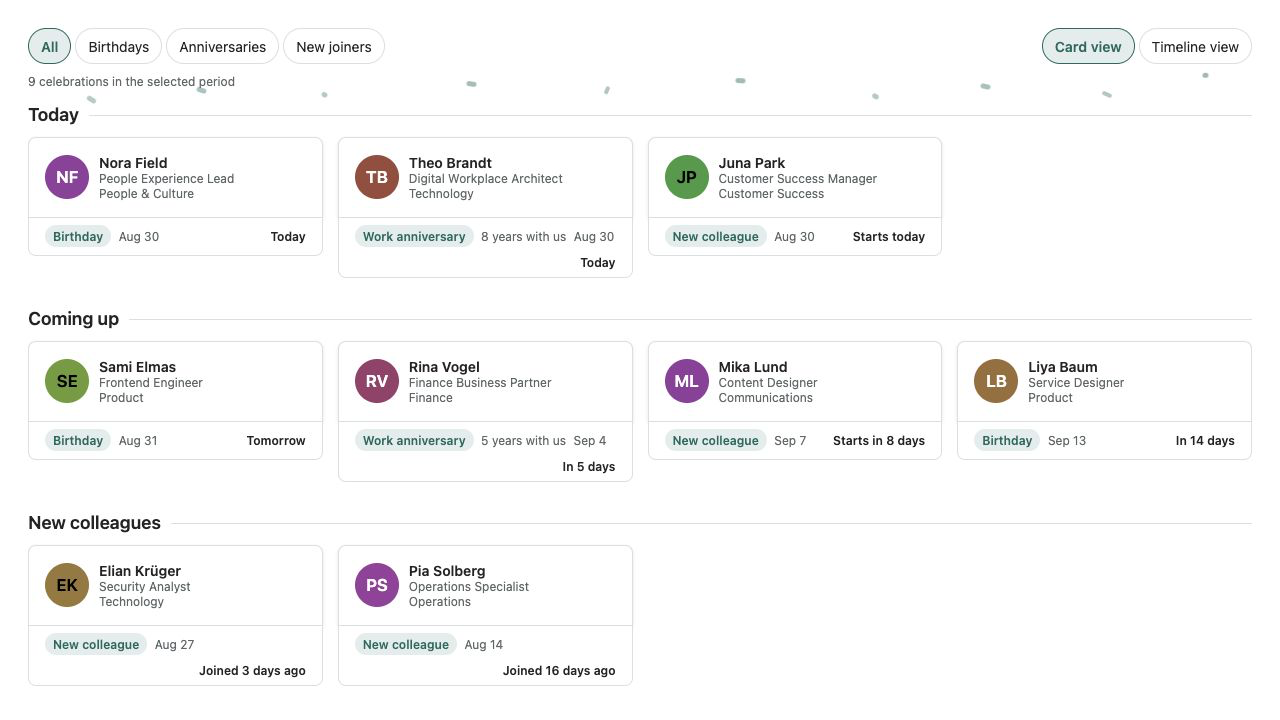
New
HR & People
Employee Directory Plus
A fast people directory from Microsoft Entra ID — theme-aware, bilingual and free of external services.
€640then €800
B2B store: sales exclusively to businesses, public-law entities and special funds under public law. Prices are net plus applicable taxes.
HR & People
NewFind a colleague. Make the connection. Phone-number search, personal favorites and contacts to take with you, right in SharePoint.
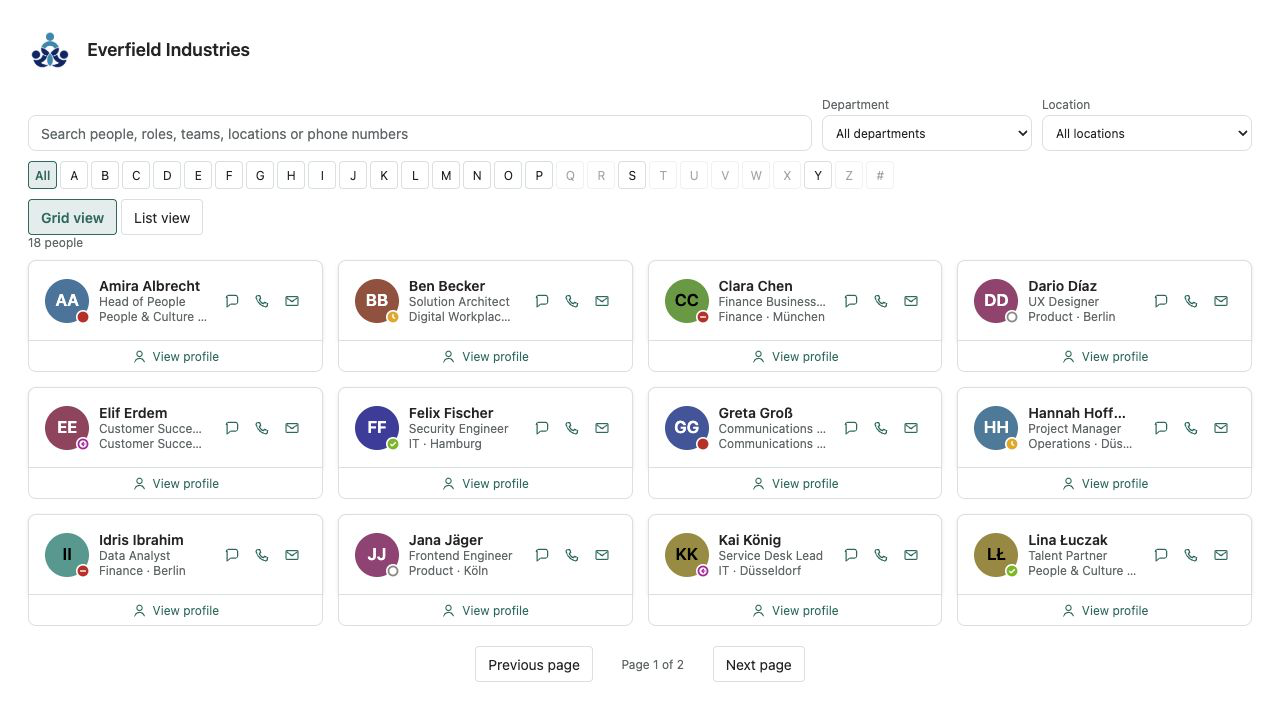
Phonebook Pro by Lyron brings business contact details from Microsoft Entra ID straight onto your SharePoint page. Phone numbers take center stage: search, call or copy. Find people by name, role or number, even when the number is typed without its spaces and separators.
Department and location filters, A–Z navigation by last name or display name, and personal favorites make colleagues easy to reach. Switch between a focused list and modern contact cards. Open email, Teams chat or Teams calling from contact details, or download one contact as a vCard.
Three skins, light and dark SharePoint themes and a responsive layout fit your intranet. Page editors can individually turn off mobile numbers, email, Teams actions and vCard downloads. Hidden mobile numbers and email addresses are also omitted from search and export.
The solution reads Microsoft Graph with administrator-approved User.Read.All access. It does not change profiles, provision lists or send data to Lyron. Favorites stay in this browser, scoped to the user and web-part instance. A configurable safety limit supports up to 10,000 scanned accounts and clearly indicates incomplete results. Developed and published by Lyron.
This is a ready-made SPFx web part for SharePoint Online. What SPFx web parts are · Install the .sppkg · All web parts
| Version | 1.0.0 |
|---|---|
| Last updated | Sep 21, 2026 |
| SPFx version | ≥ 1.23.2 |
| SharePoint Online | Yes |
| Microsoft Teams | No |
| SharePoint on-premises | No |
From the businessPhones and mobilePhone fields in Microsoft Entra ID user profiles. Your Microsoft 365 administration maintains those fields. The web part is read-only and does not connect to a PBX.
An administrator must approve Microsoft Graph User.Read.All under API access in the SharePoint admin center. This read permission provides the required profile and contact fields. No presence or write permission is requested. Directory browsing is intended for signed-in members, not guests.
Phonebook Pro focuses on quick contact: numbers directly in the overview, copying, personal favorites and vCard downloads. Employee Directory Plus is the broader who’s who with optional presence and additional profile options. Both packages can coexist.
No. They are stored only in this browser for the signed-in account and web-part instance. If browser storage is blocked, they work only for the current visit.
The web part follows Graph result pages and scans up to 5,000 accounts by default, configurable up to 10,000. Search and filters apply to loaded contacts. A clear notice appears when the limit is reached. There is no background polling.
No. Images and the preview show the actual React interface with explicitly labeled fictional data. Company names, people and phone numbers are sample data.