New
HR & People
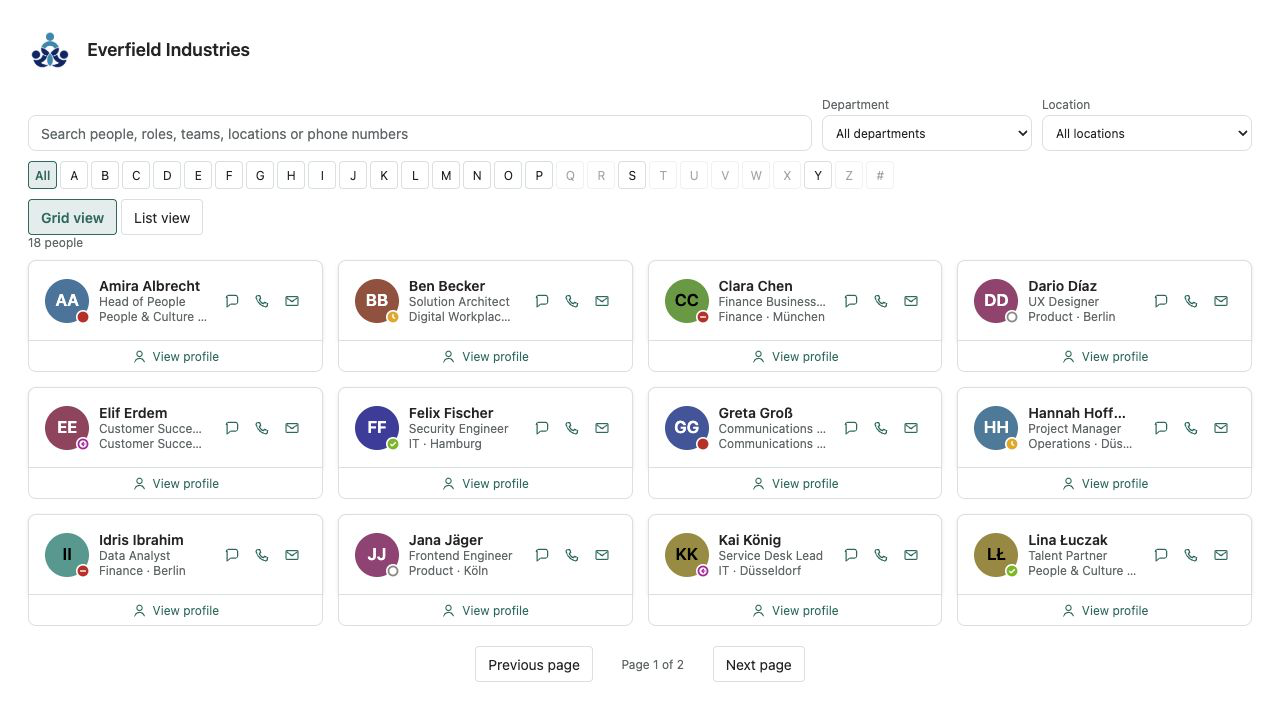
Employee Directory Plus
A fast people directory from Microsoft Entra ID — theme-aware, bilingual and free of external services.
€640then €800
B2B store: sales exclusively to businesses, public-law entities and special funds under public law. Prices are net plus applicable taxes.
Catalog · One-time license
Production-ready, theme-aware .sppkg solutions for modern SharePoint pages — with no subscription or per-user fees.
7 web parts
HR & People
A fast people directory from Microsoft Entra ID — theme-aware, bilingual and free of external services.
HR & People
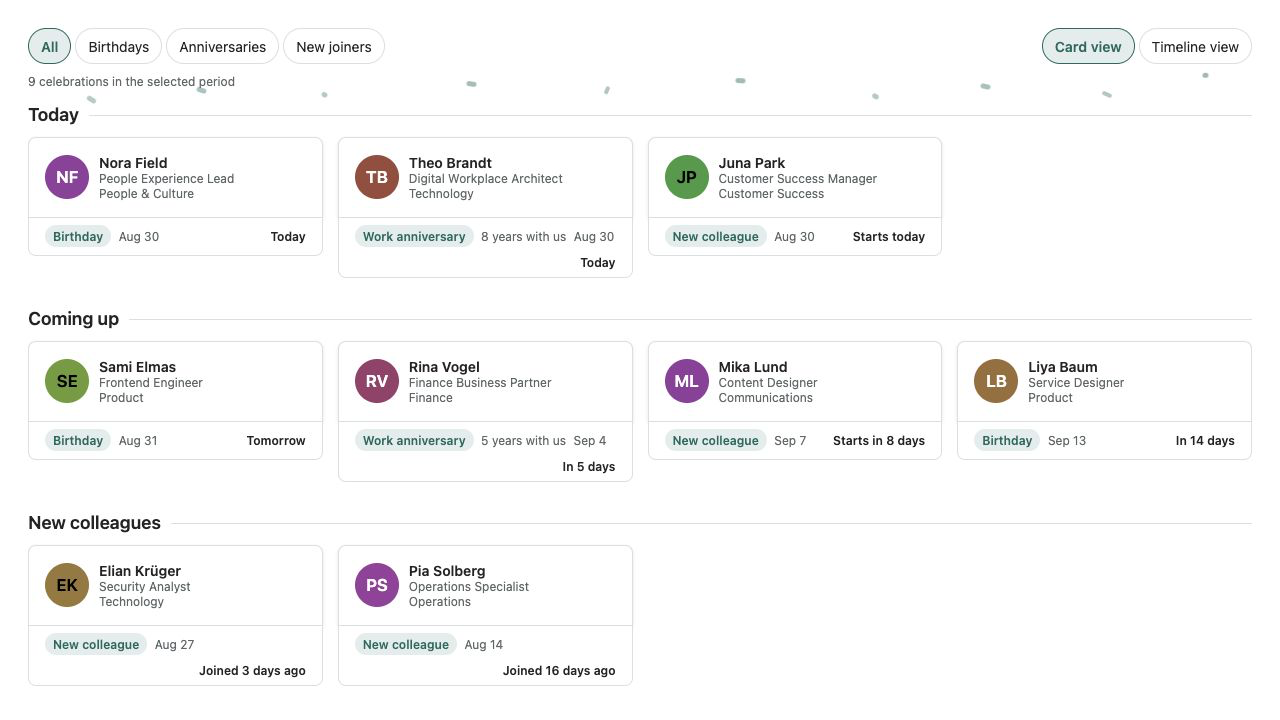
Birthdays, work anniversaries and new joiners from Microsoft 365 — privacy-aware and without an external service.
HR & People
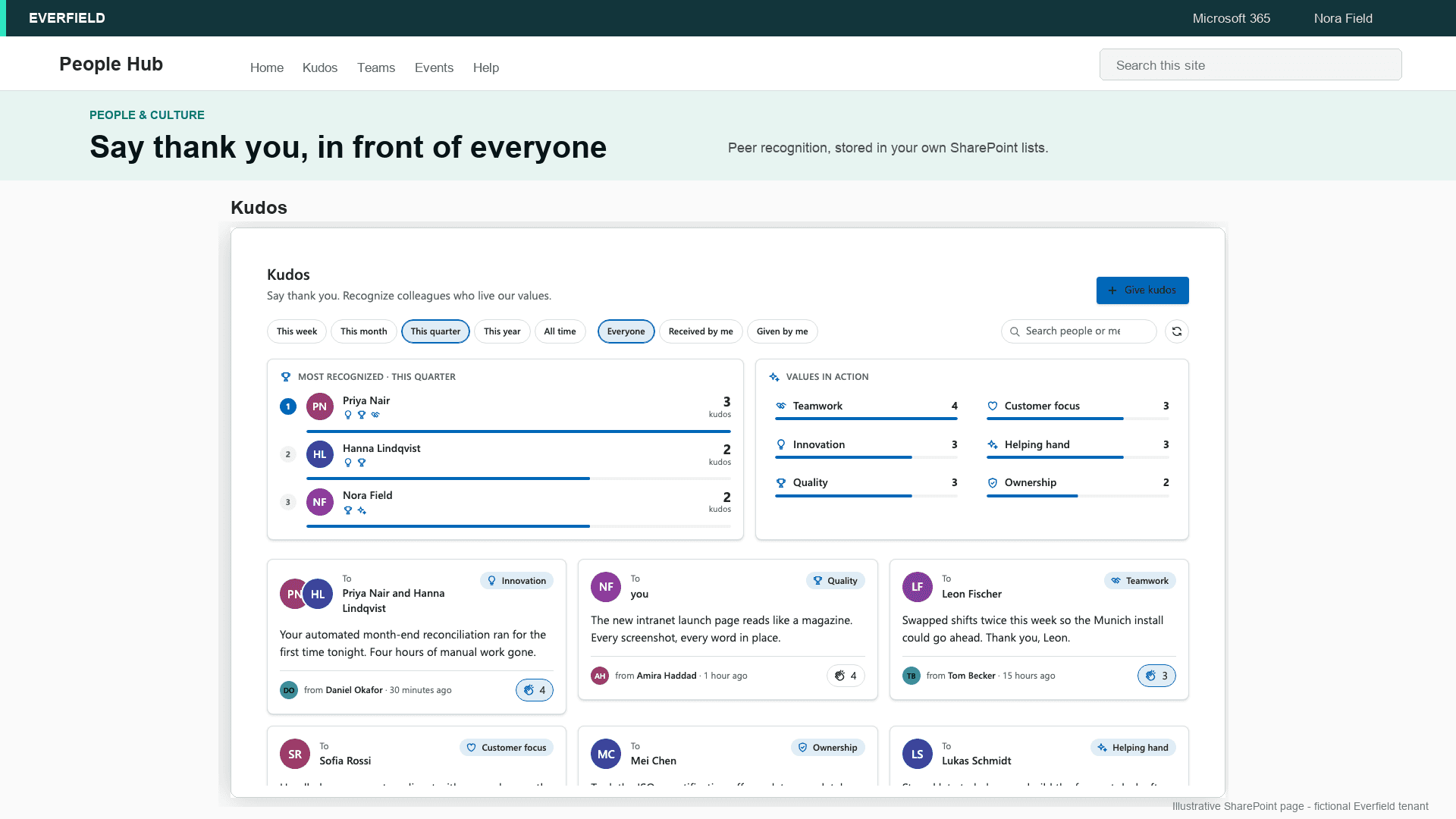
Employee recognition inside your SharePoint intranet — a kudos wall with company values, applause and highlights, no extra tool and no API permissions.
HR & People
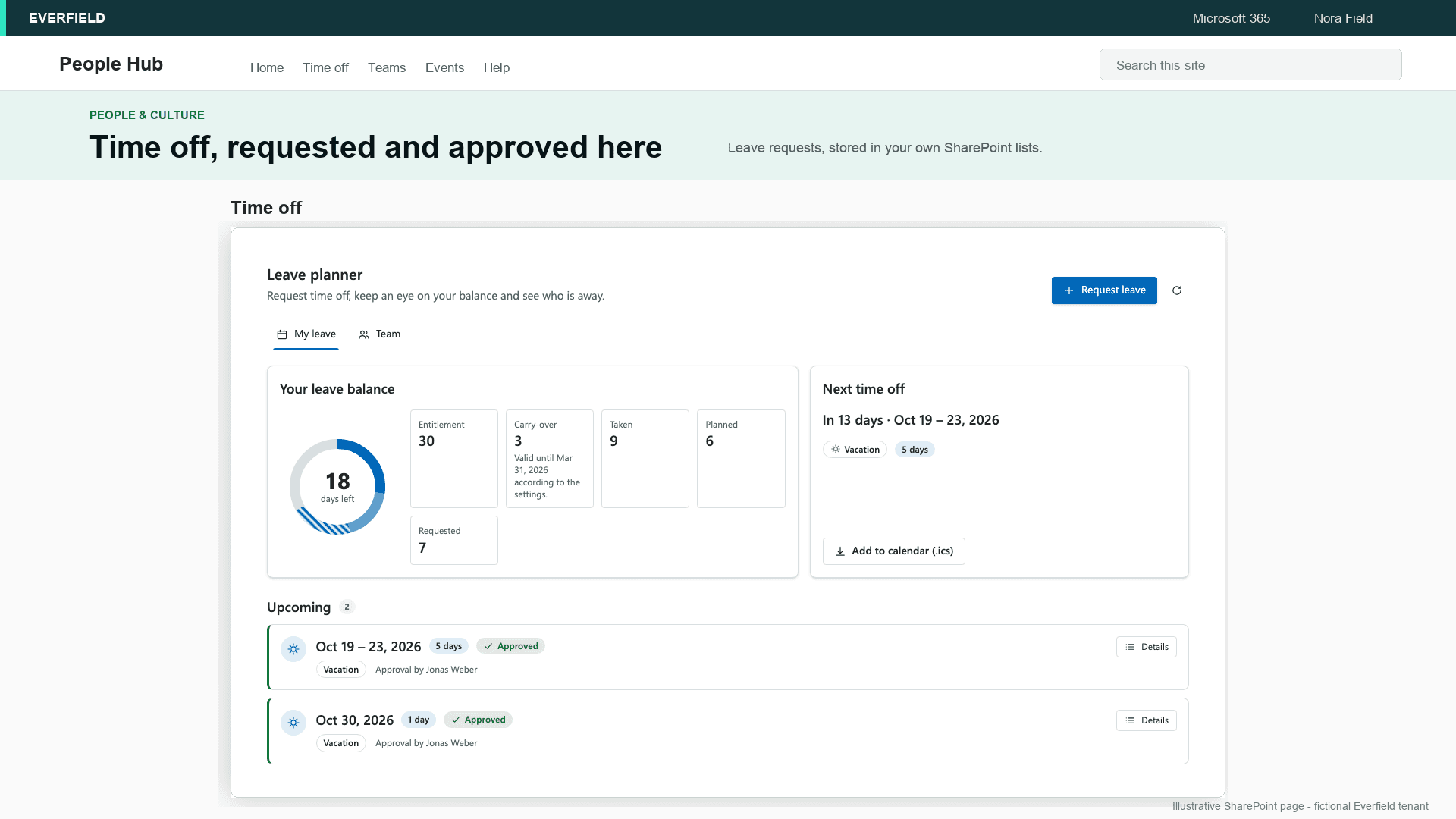
Leave requests, approval by the Microsoft Entra ID manager, balances and a team absence calendar inside SharePoint — one price per tenant instead of per-user fees, and the data stays in your own lists.
HR & People
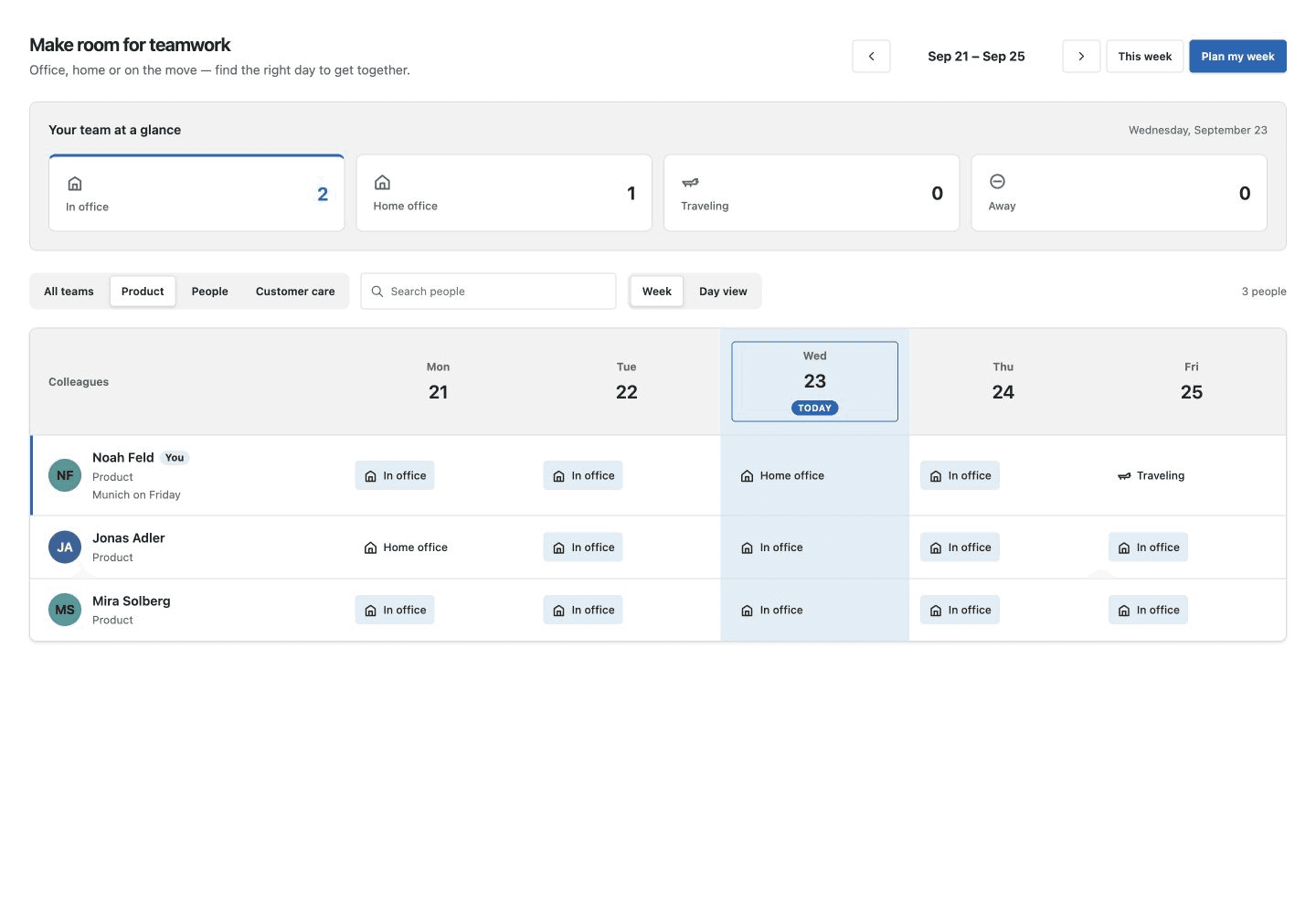
Plan office days together: a weekly team board, daily overview and your own work-location plan, right in SharePoint.
HR & People
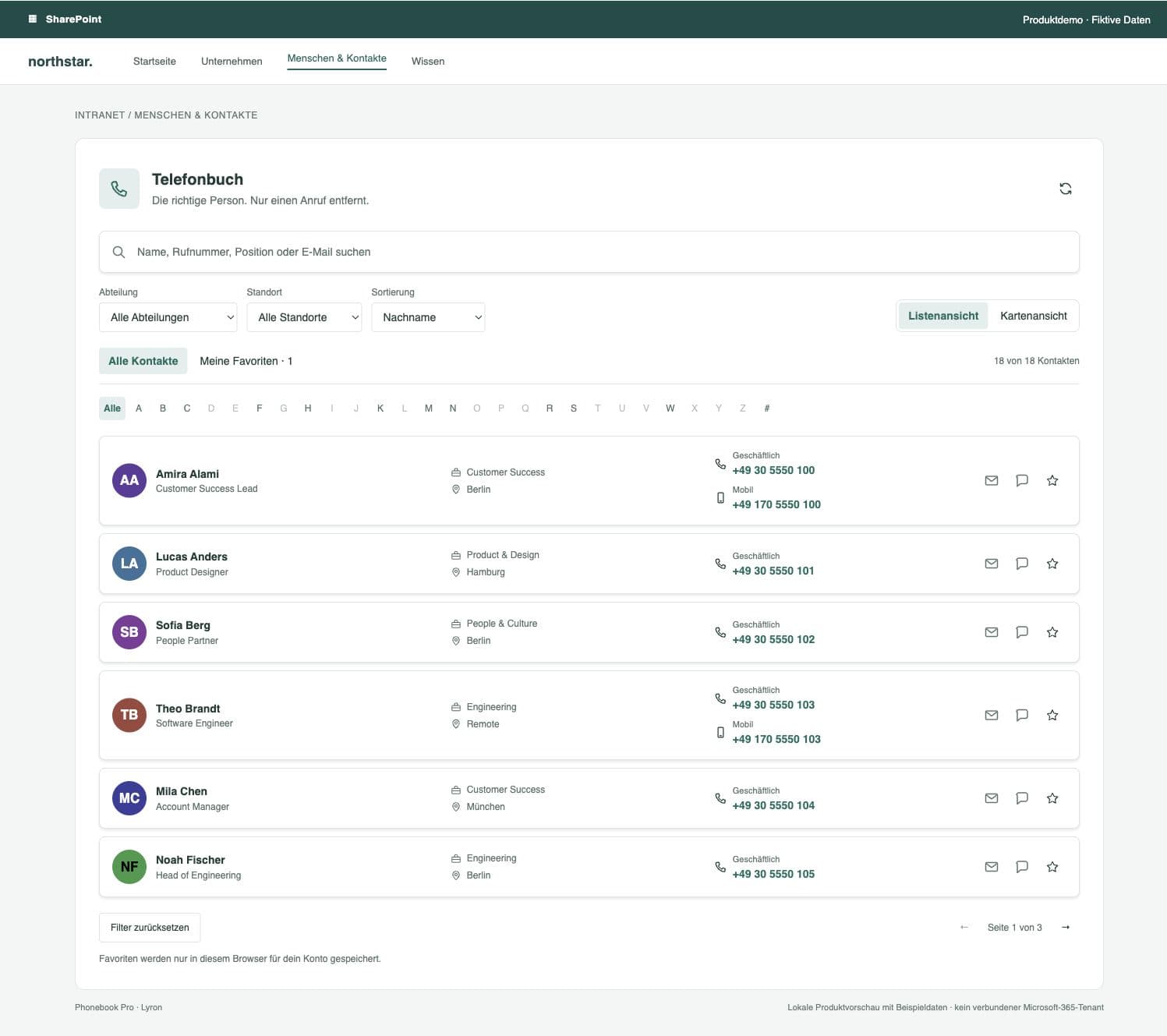
Find a colleague. Make the connection. Phone-number search, personal favorites and contacts to take with you, right in SharePoint.
HR & People
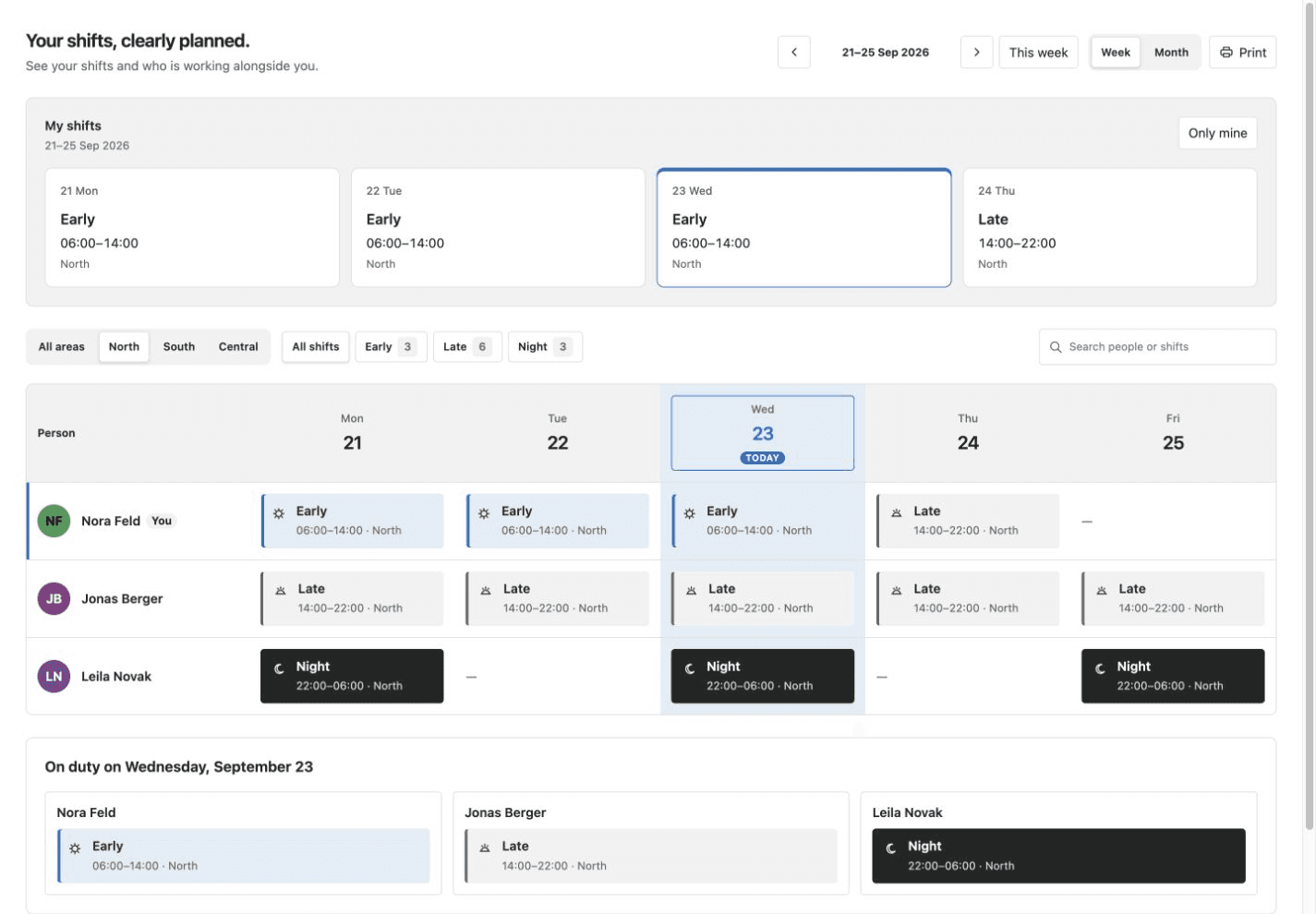
Clear rosters in your intranet: personal shift cards, week and month grids, and staffing for the selected day.
SPFx web parts extend modern SharePoint Online pages with functions Microsoft does not provide out of the box. The catalog focuses on practical intranet needs: searchable employee profiles, auditable policy acknowledgements, interactive plans and diagrams, automatic team celebrations and peer-to-peer recognition.
Every solution is delivered as a standard .sppkg package for your Microsoft 365 tenant. Your SharePoint administrator uploads it once to the app catalog, after which editors can add the web part to modern pages. The components follow the active SharePoint theme and run inside your tenant without external application servers or tracking.
Licences are purchased once per tenant and cover unlimited users. Review each product page for features, screenshots, compatibility and required permissions, or use the guides below to understand SPFx deployment before choosing a package.
You can buy an employee directory, policy acknowledgement, interactive image map, birthdays and anniversaries, KPI dashboard, kudos wall or leave planner as a ready-made SPFx web part. Each package is a one-time licence for your Microsoft 365 tenant.
Ready-made SPFx web parts currently start at €320 net per Microsoft 365 tenant. Each product page shows its own one-time price for unlimited users.
No. You buy a one-time licence for one Microsoft 365 tenant. There is no per-user fee. Twelve months of updates are included; the version you have keeps working after that.
No. A SharePoint administrator uploads the .sppkg to the tenant app catalog and adds the web part to a modern page. Most deployments take under 10 minutes.