New
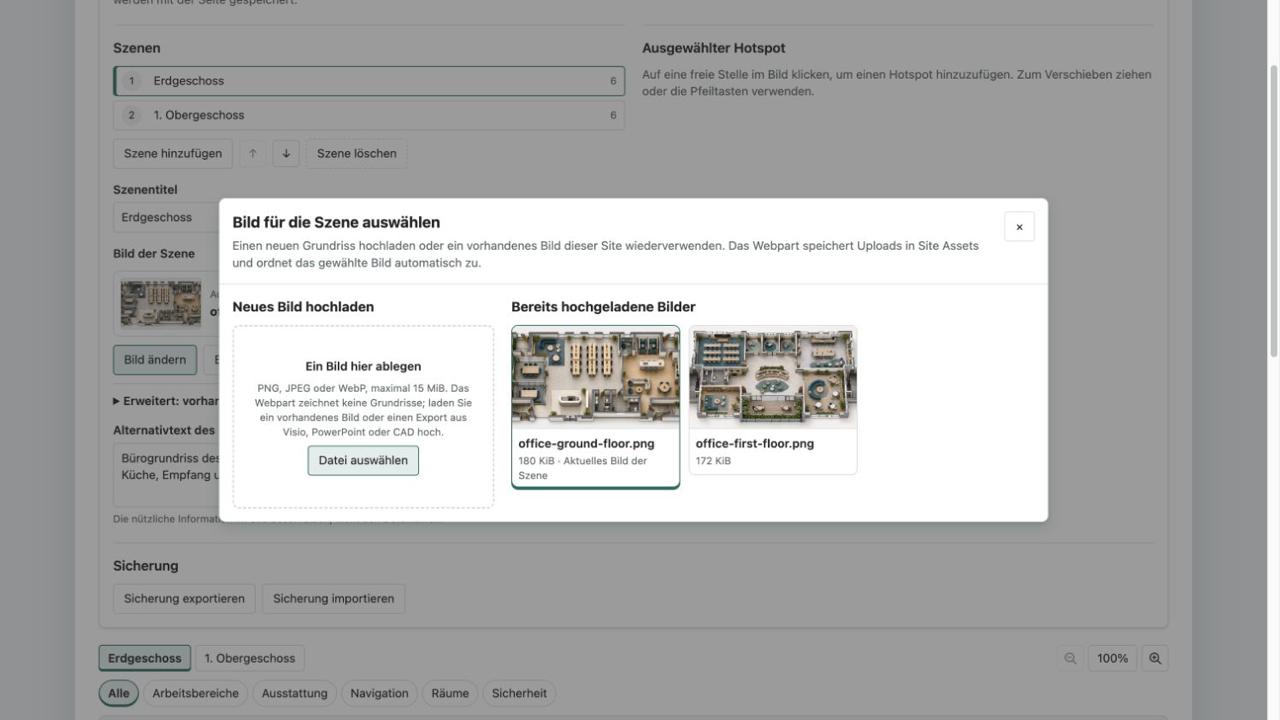
Productivity
Interactive Image Map Pro
Turn plans, processes and graphics into interactive experiences with responsive hotspots, zoom and accessible detail cards.
€480then €600
B2B store: sales exclusively to businesses, public-law entities and special funds under public law. Prices are net plus applicable taxes.
Productivity
NewRequest purchases, access and expenses in SharePoint, with two distinct review stages and a clear decision trail.
A new workstation, an additional software license or access to a project workspace: internal requests need a shared home. Approval Center Pro by Lyron combines a structured request form with a focused approval inbox on your modern SharePoint page.
Requesters capture the request type, business reason, amount, cost center, priority and needed-by date. An existing SharePoint document can be linked as supporting evidence. Two different people then review the request in sequence: first a business review, then final approval. Every decision includes a note, with the reviewer and date visible in the detail panel. A rejection closes the process.
Three SharePoint groups separate requesters, first reviewers and final reviewers. Owner setup creates three lists with unique permissions. Participants can add records according to their role, but cannot edit or delete existing requests and decisions. All three groups can read all requests and decisions. This makes the web part suitable for shared operational processes; confidential individual cases need a different data and permission model.
Personal views, search, request-type and status filters, deadline and amount sorting, and CSV export support day-to-day work. Metrics describe the loaded requests. English and German, light and dark SharePoint themes, and Theme, Soft and Compact designs are included. Developed and published by Lyron.
No Power Automate flow, additional Microsoft Graph consent or external application server is required. The web part records approvals; it does not grant technical access, place orders, pay expenses or send notifications. Submitted requests cannot be edited or withdrawn in this version. Real SharePoint tenant installation testing remains pending for version 1.0.0; the preview explicitly uses fictional data.
This is a ready-made SPFx web part for SharePoint Online. What SPFx web parts are · Install the .sppkg · All web parts · Tenant licensing and updates
| Version | 1.0.0 |
|---|---|
| Last updated | Sep 22, 2026 |
| SPFx version | ≥ 1.23.2 |
| SharePoint Online | Yes |
| Microsoft Teams | No |
| SharePoint on-premises | No |
No. The web part uses SharePoint REST as the signed-in user. A site owner with list and permission management rights provisions the three lists and group permissions. Installation uses the SharePoint App Catalog.
All three configured participant groups can read every request and decision. The web part is for shared operational processes, not confidential HR or other sensitive individual cases. Linked documents retain their own SharePoint permissions.
Choose three distinct SharePoint groups during creation. Every request follows the same two stages. Reviewers must be different people and cannot review their own request. Later permission changes are managed in SharePoint; additional processes use a separate list prefix. Conditional stages and automatic routing are not included.
In version 1.0.0, submitted requests remain unchanged for regular participants. Submit corrections as a new request referencing the earlier ID. Administrators can manage the underlying lists. This is not a legally certified or tamper-proof archive.
The newest requests load in increments of 40, up to 1,000. Filters, metrics and CSV export apply to the loaded data. Older records remain accessible in the SharePoint lists. There is no automatic background polling.
Productivity
Turn plans, processes and graphics into interactive experiences with responsive hotspots, zoom and accessible detail cards.
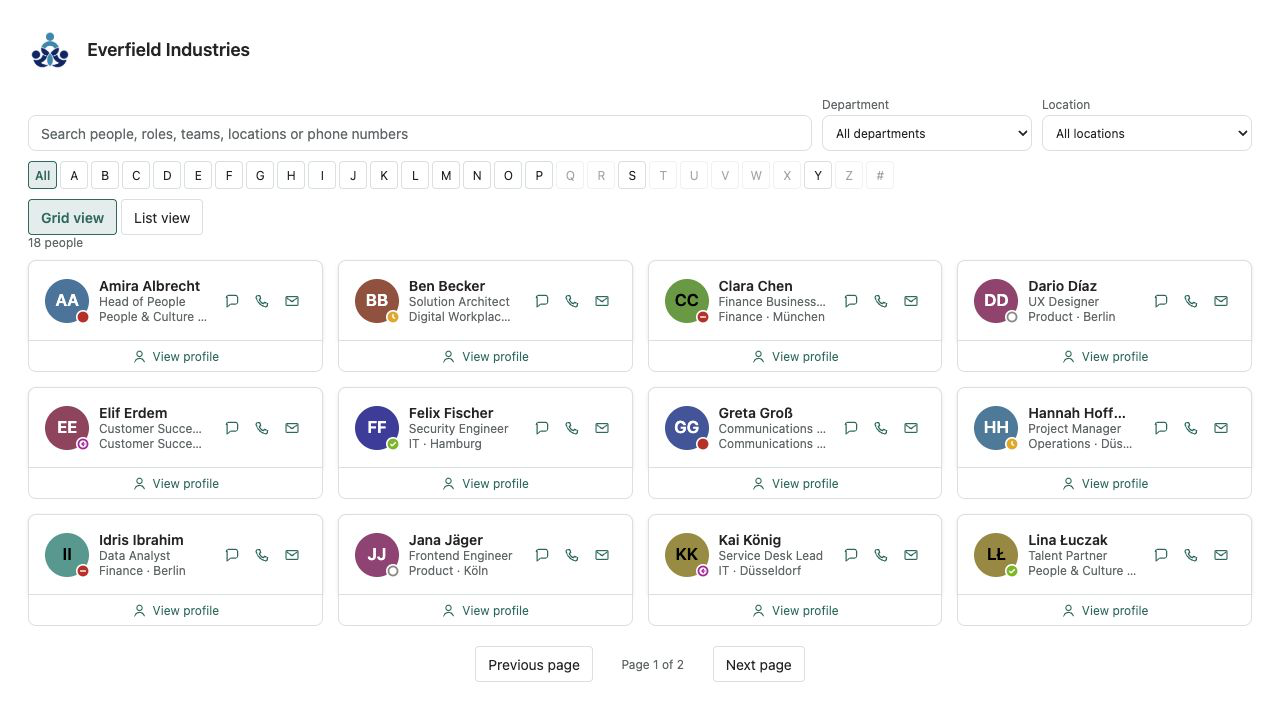
HR & People
A fast people directory from Microsoft Entra ID — theme-aware, bilingual and free of external services.
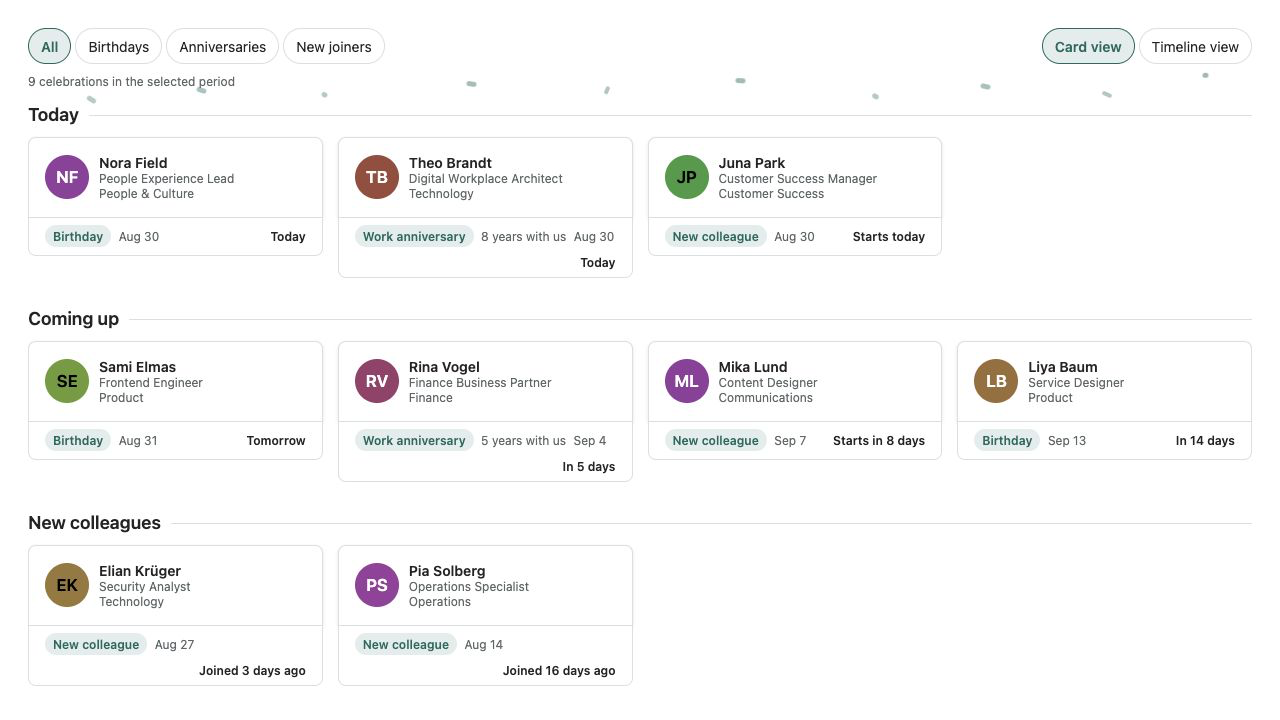
HR & People
Birthdays, work anniversaries and new joiners from Microsoft 365 — privacy-aware and without an external service.